Most founders experience artificial intelligence as a reactive chat window: you open a browser tab, type a prompt, wait for an answer, and copy the result into another application. If you forget to ask, nothing happens. In 2026, artificial intelligence shifted from reactive prompts to "always-on" background agents. An always-on agent runs on a cloud server 24/7, monitors your data channels, and executes entire business workflows while you sleep. Below are the five operational responsibilities a small business can safely delegate to an autonomous agent today without hiring full-time staff.
The transition from a passive chatbot to an active digital worker is straightforward: instead of giving the model a single instruction, you give it an ongoing objective, access to specific business tools, and strict guardrails.
Continuous background monitoring without human intervention.
Core operational workflows suitable for delegation in small businesses.
Inbound leads contacted in under 60 seconds after working hours.
Hosting cost of a self-hosted agent server running unlimited tasks.
1. Reactive chat vs Always-on delegated agents
Drag the slider below to contrast a traditional manual prompt workflow with an always-on background agent:
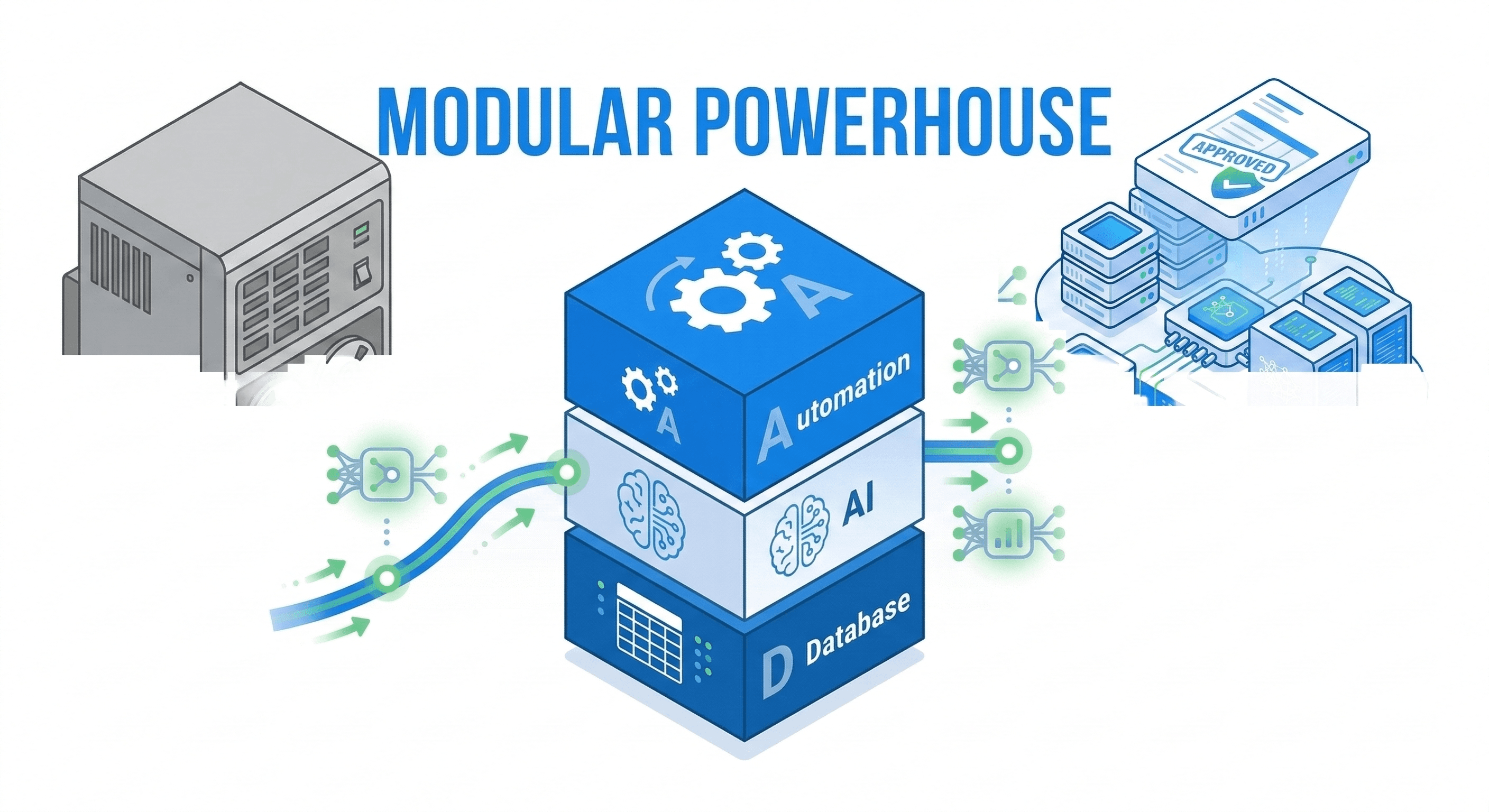
A reactive bot waits for you to initiate contact. An always-on agent wakes up automatically when a webhook fires, an email arrives, or a database value crosses a threshold. It executes the necessary work across multiple SaaS tools and leaves a completed summary in your morning Slack channel.
2. The 5 jobs to hand off to an always-on agent first
When delegating work to autonomous software, start with structured, high-volume tasks that burn founder hours:
- 01
Inbound lead capture and calendar booking
The agent monitors contact forms, WhatsApp chats, and emails 24/7, answers service questions from your documentation, and books qualified leads onto your calendar.
- 02
Accounts payable and invoice matching
The agent parses incoming supplier invoices from your inbox, extracts line items, verifies them against purchase orders, and stages bills for approval in your accounting software.
- 03
Infrastructure and payment monitoring
The agent pings your website, checkout funnels, and webhook endpoints every five minutes, alerting your phone immediately if an SSL certificate fails or payments drop.
- 04
Monday morning KPI intelligence brief
Every Monday at 7:00 AM, the agent aggregates metrics from Stripe, Meta Ads, and your CRM, outputting a concise executive summary of revenue, CAC, and lead volume.
- 05
Routine order status and support triage
The agent queries your database to answer repetitive questions ('Where is my shipment?', 'How do I download my invoice?'), resolving 60% of inquiries without staff intervention.
3. The 3 golden rules of agent delegation
To ensure your always-on workers remain assets rather than liabilities, follow these three management guidelines:
- Automate workflows, not isolated tasks: Do not build an agent that only "summarizes an email." Build an agent that reads the email, checks your CRM database, prepares the calendar invite, and stages the confirmation.
- Enforce hard approval gates on money: An agent can prepare invoices and calculate refunds, but issuing payments above ₹5,000 should always require a one-click human verification tap.
- Keep internal documentation clean: An agent is only as reliable as the data it accesses. Store your pricing matrices, service terms, and refund policies in standardized Notion or Google Docs documents that your agent queries via RAG.
By delegating these five routine jobs to always-on background automations, small business owners reclaim 15 to 20 hours of operational administrative time every week.
If your company is ready to deploy custom, always-on AI agents tailored to your business operations, our team engineers production-ready systems.